SPECIFICATIONS
Brand Name: RAGEER
Choice: yes
High-concerned chemical: none
Model Number: GH-696H ro GH-696B
Origin: Mainland China
Type: CPU Holder
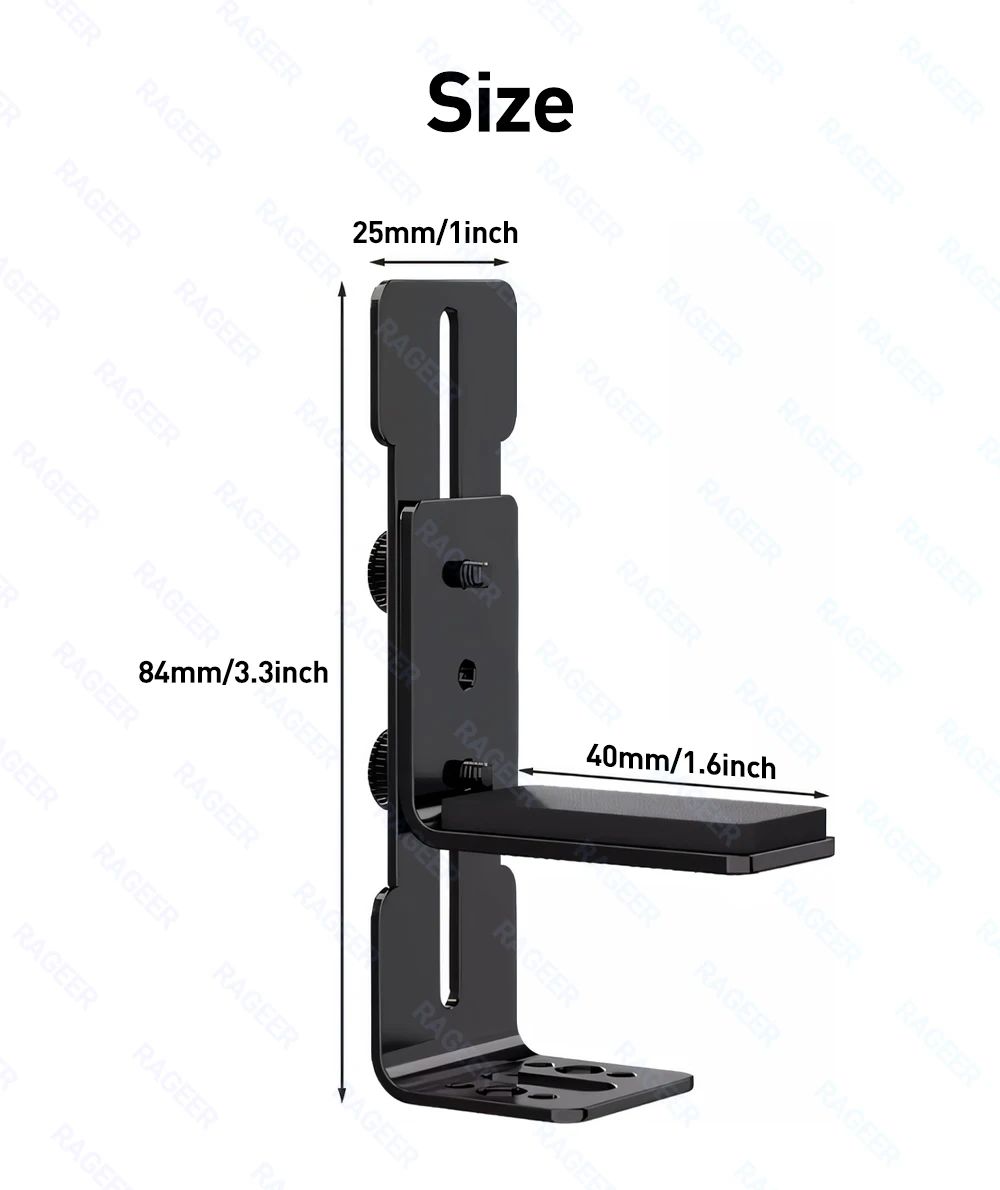
The support length is 40mm. Please measure the distance between your case fan screw holes and the graphics card to ensure compatibility before purchasing. Thank you!
RAGEEER Adjustable GPU Anti-Sag Bracket – Sturdy 6-96mm Sliding Support for All graphics cards
✅Premium Metal Construction:
Crafted from Aluminum Alloy with advanced stamping and painting technology, our GPU support bracket resists aging and bending, offering long-term durability for high-end graphics cards like the All graphics cards . No more worries about sagging or instability!
✅Scratch-Free Protection:
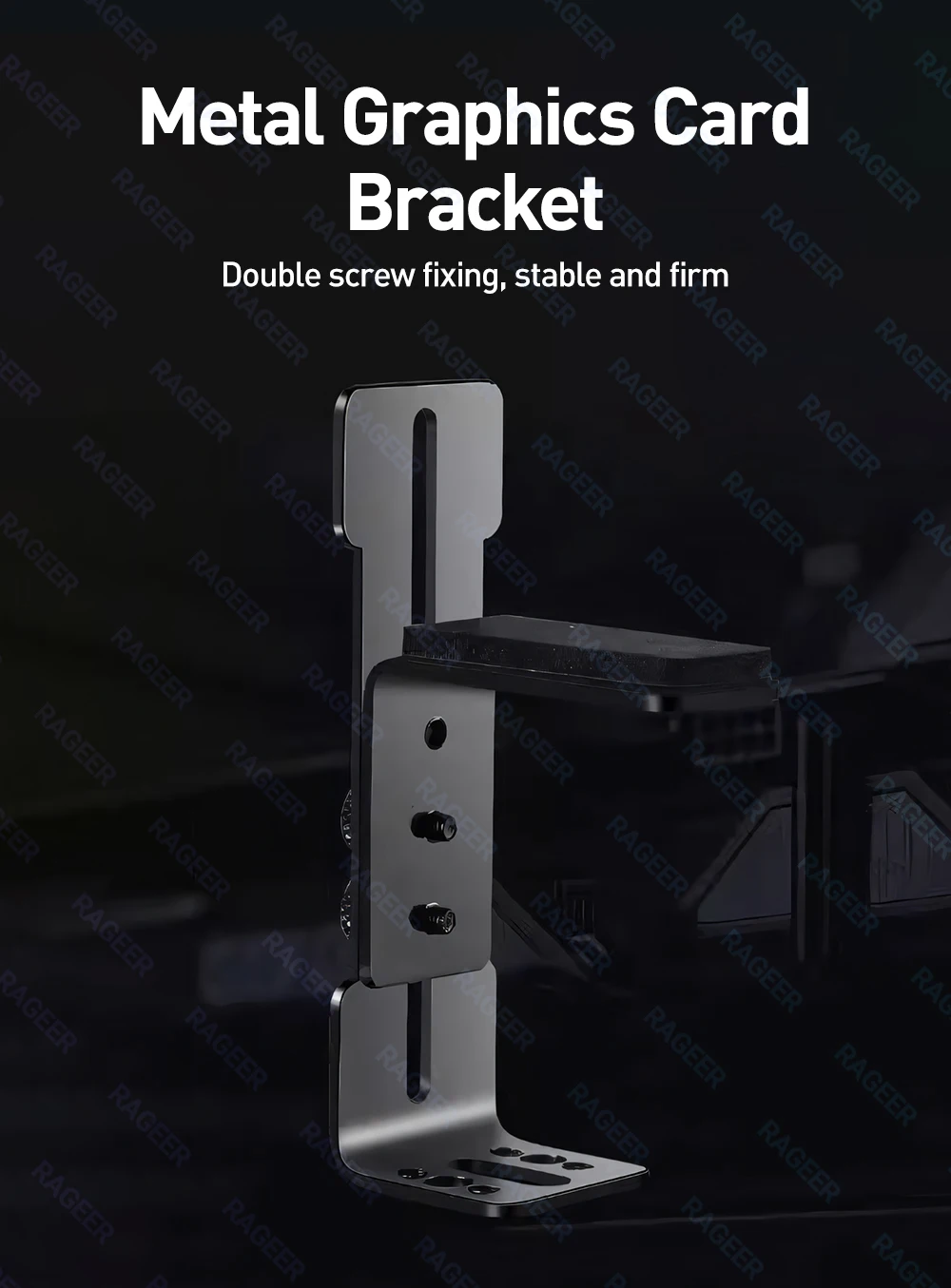
Equipped with soft silicone pads on both the support arm and base, this bracket safeguards your GPU and case from scratches or damage—keeping your setup looking flawless.
✅Precision Adjustability:
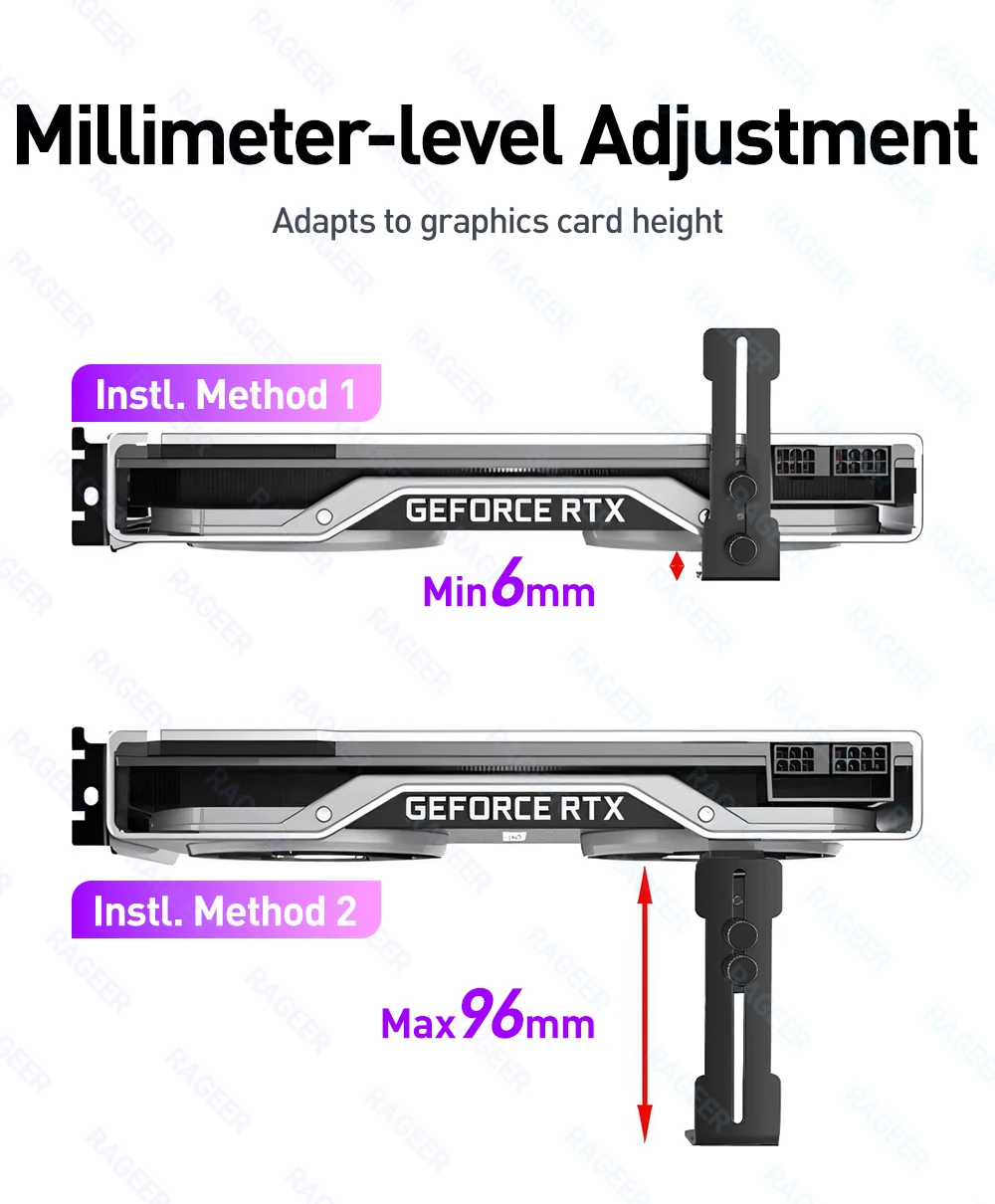
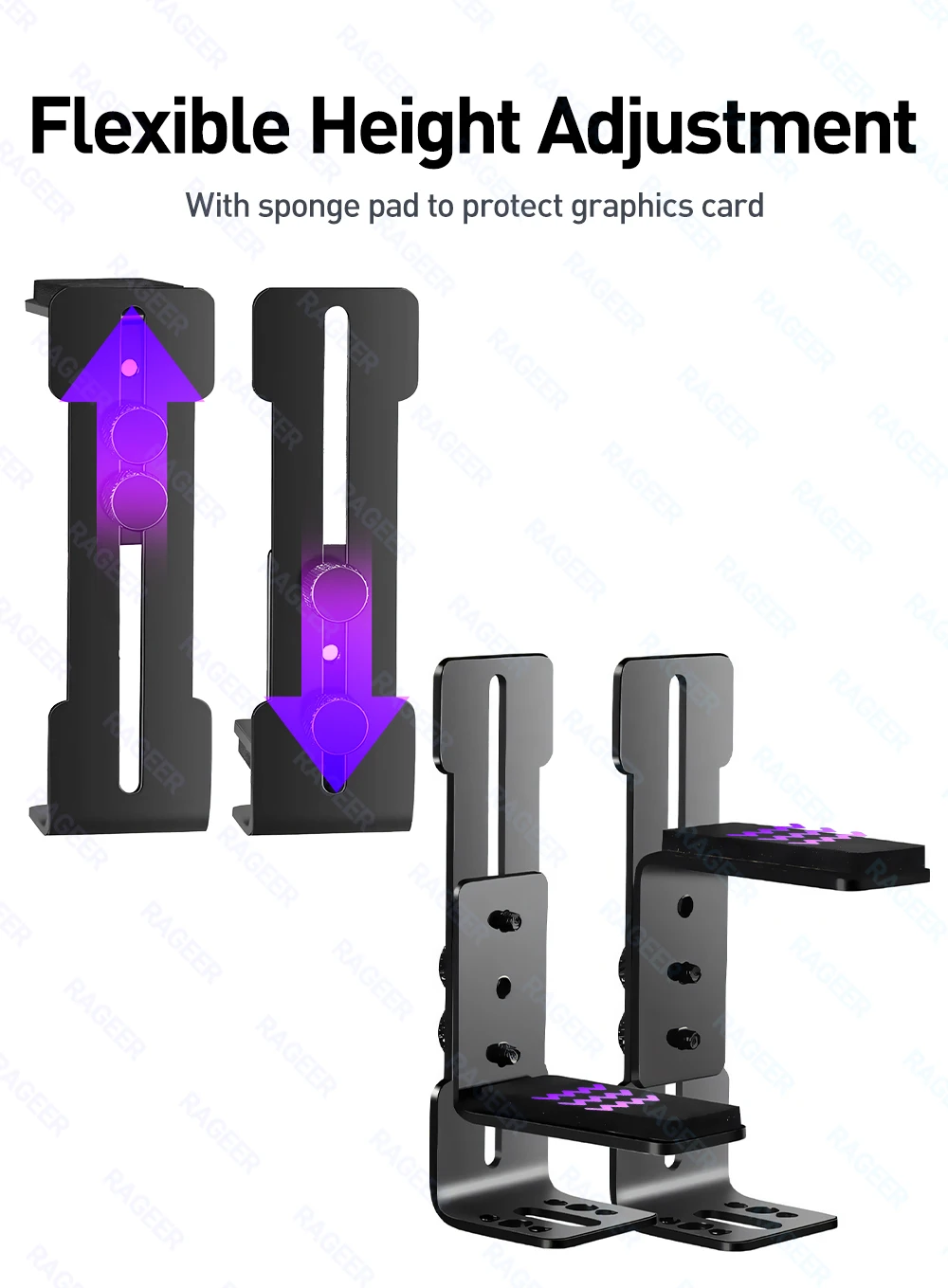
The sliding screw mechanism allows seamless height adjustment from 6mm to 96mm, ensuring compatibility with any GPU size. Easily customize the fit for optimal support without blocking airflow.
✅Essential for Heavy GPUs:
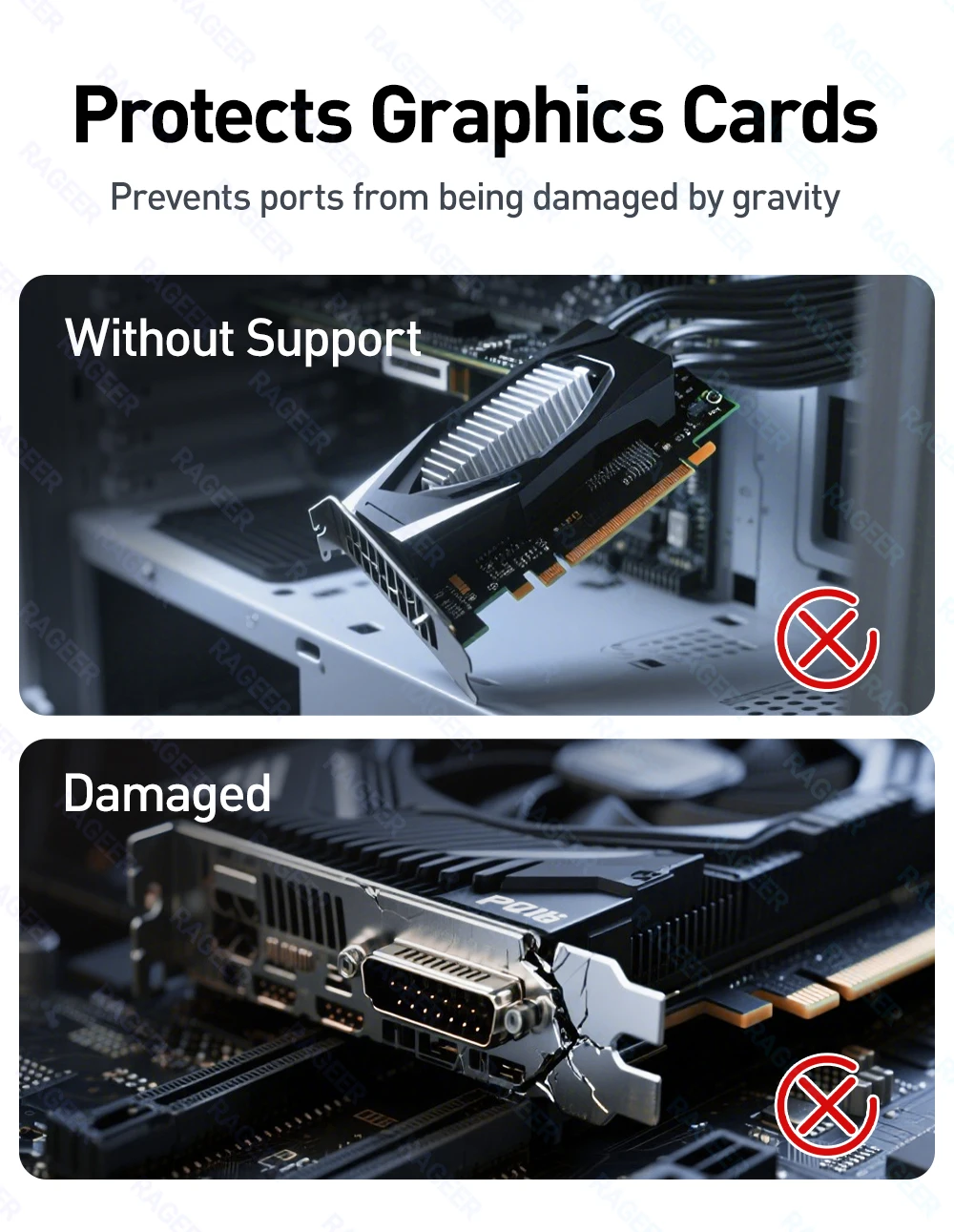
Prevent GPU sag and PCB damage caused by bulky coolers! This bracket reinforces your graphics card’s alignment, reducing strain on the PCIe slot and maintaining a sleek, professional build.
✅Universal Compatibility:
Works with all ATX/mATX/ITX cases and modern All graphics cards, A must-have for gaming PCs and workstations!
Why Choose RAGEEER?
✅ Industrial-grade metal – stronger than plastic brackets
✅ Low-profile design – discreet yet ultra-supportive
Upgrade your rig’s stability today— say goodbye to GPU sag!
Graphics Card Anti-sag Bracket For Seaview case
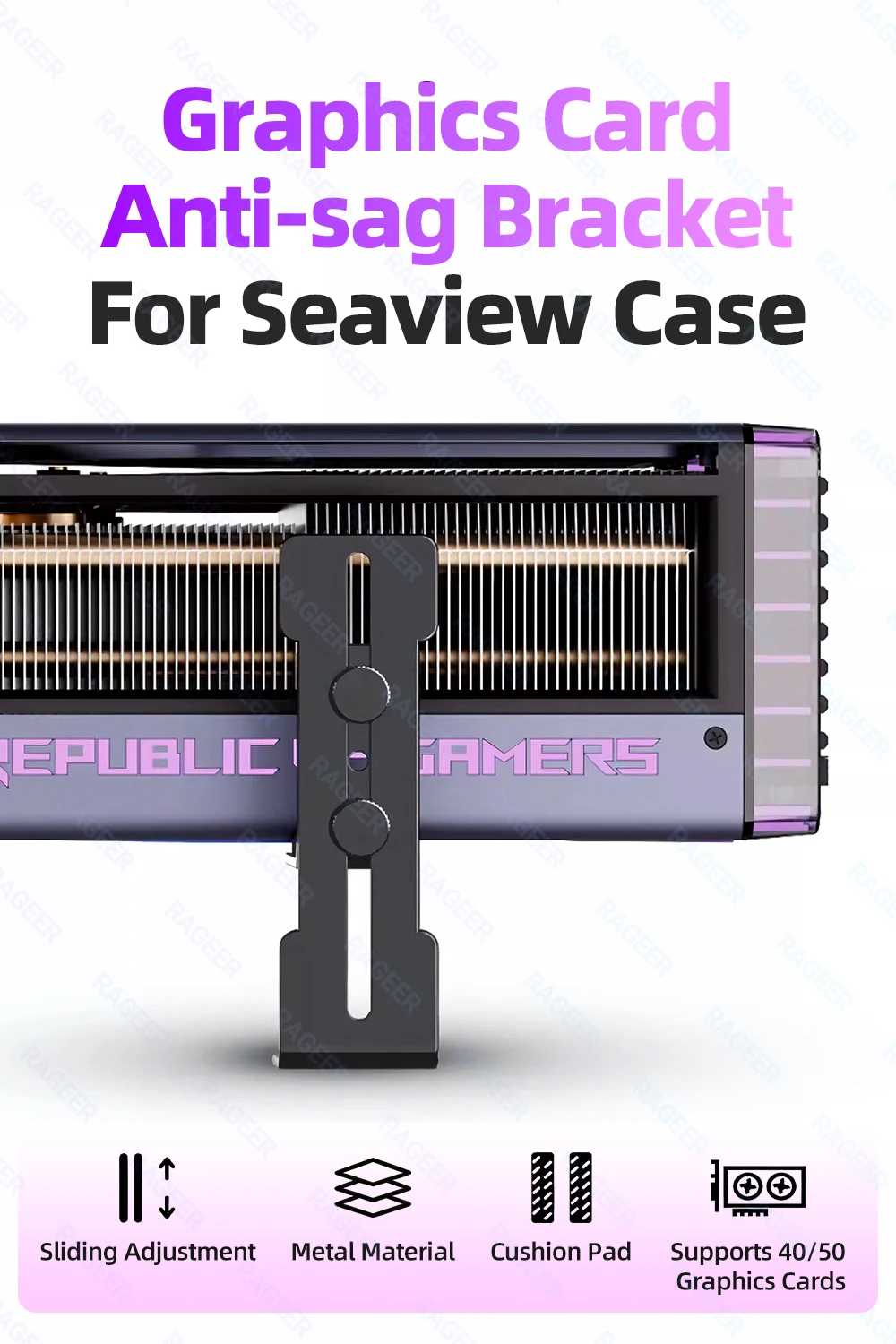
Protects Graphics Cards
Prevents ports from being damaged by gravity
Aluminum Alloy Bracket
Strong load-bearing capacity and resists deformation

Millimeter-level Adiustment
Adapts to graphics card height
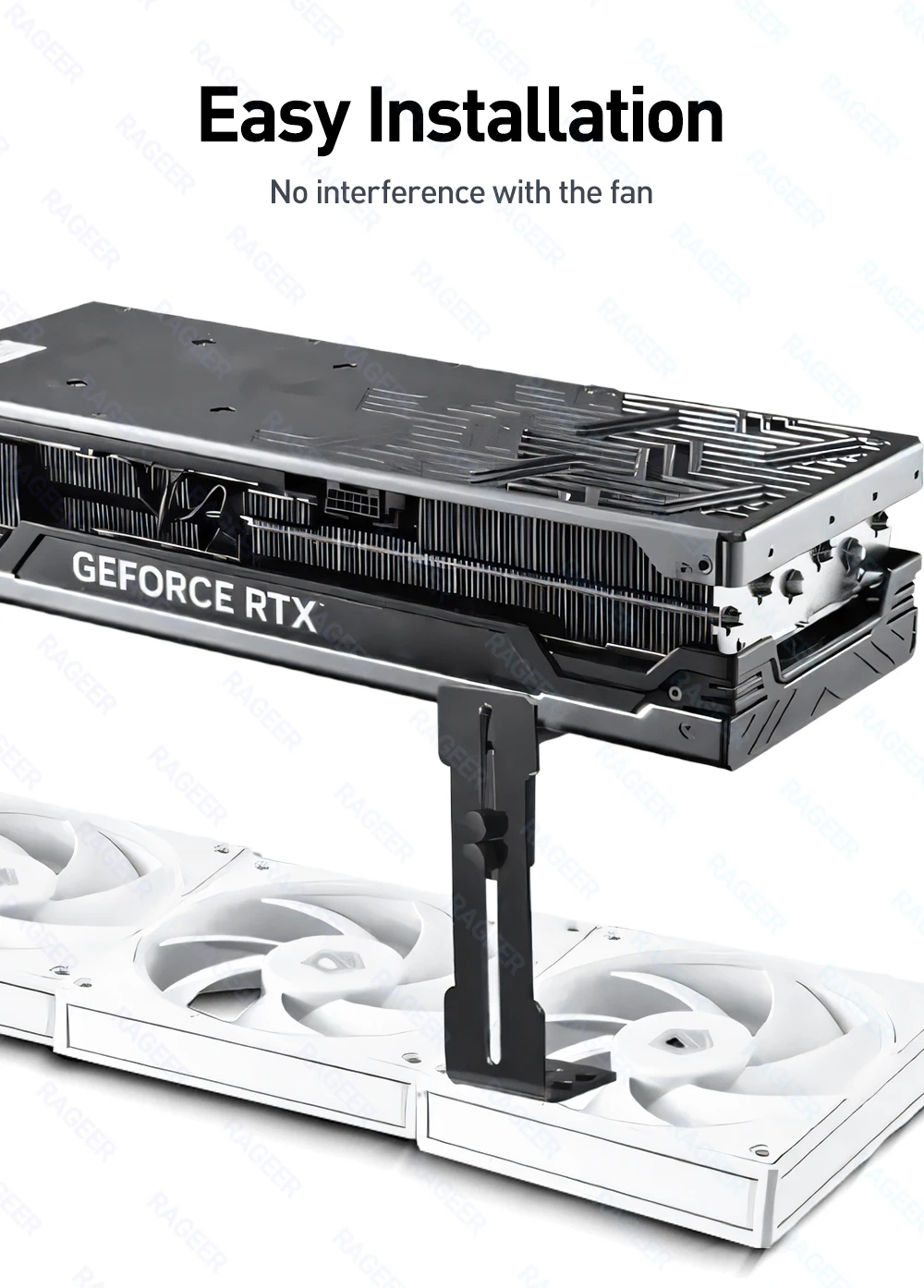
Easy installation
No interference with the fan
Metal Graphics Card Bracket
Double screw fixing, stable and firm
Flexible Height Adustment
With sponge pad to protect graphics card
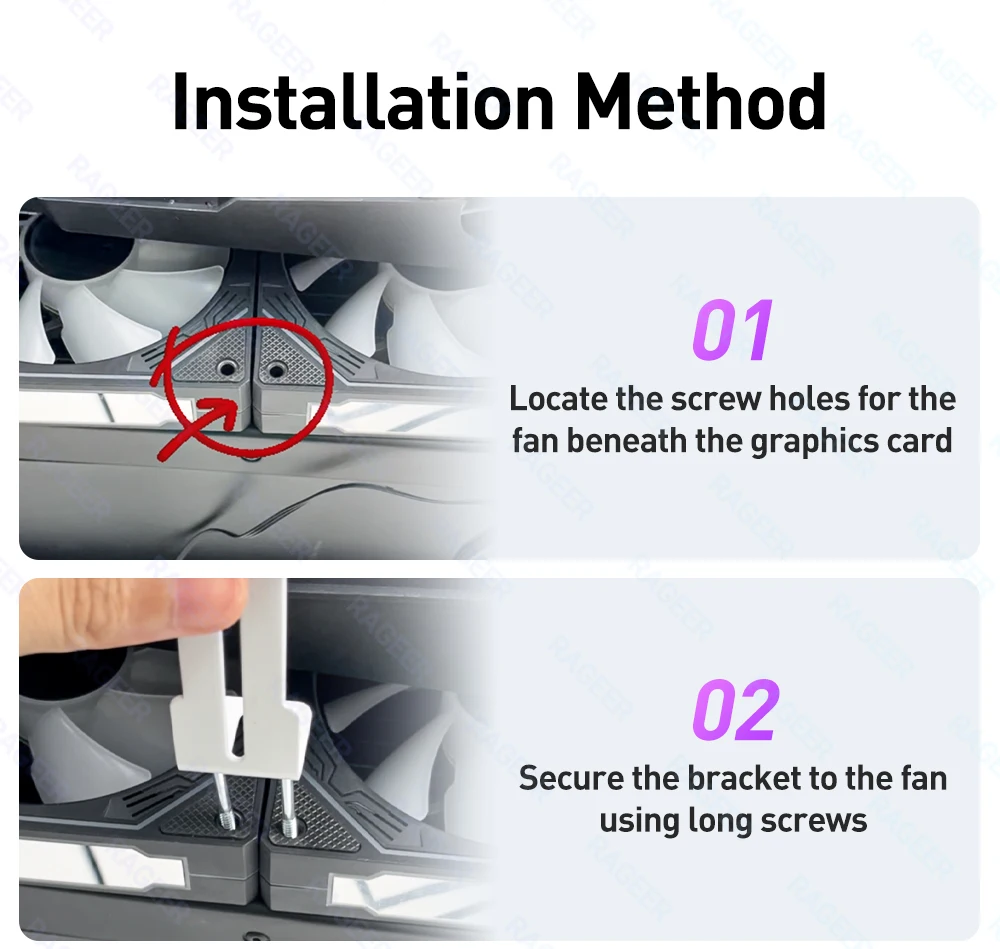
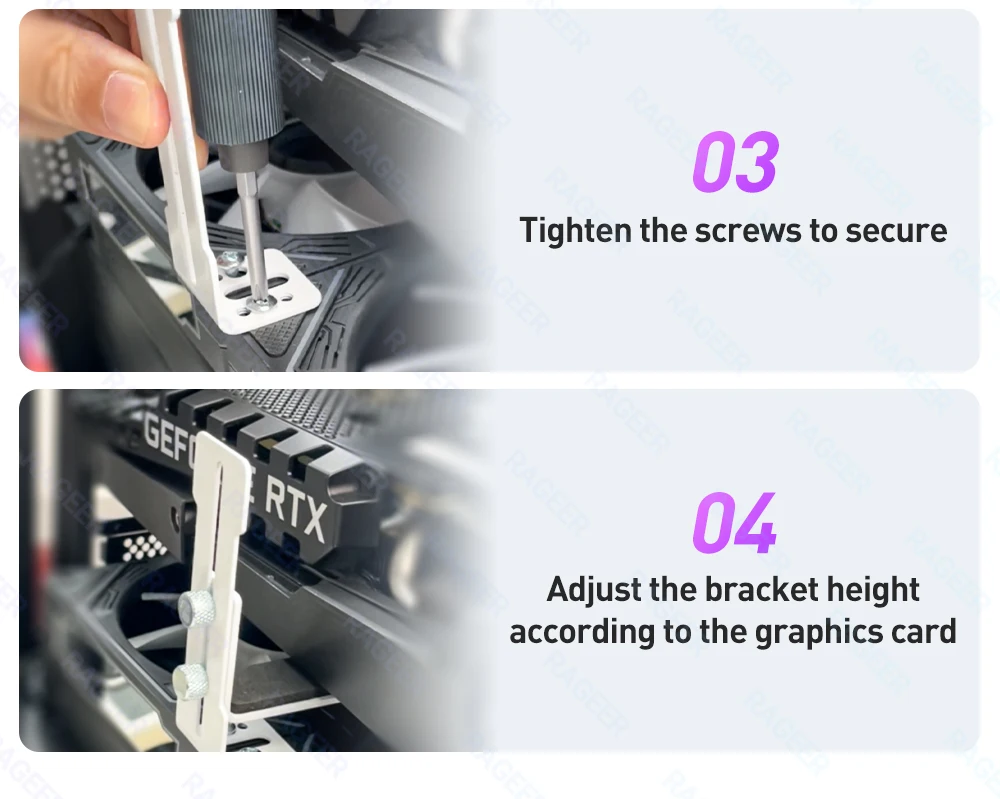
Installation Method
1. Locate the screw holes for the fan beneath the graphics card
2. Secure the bracket to the fan using long screws
3. Tighten the screws to secure
4. Adjust the bracket height according to the graphics card