Note:This product does not contain batteries
Features:
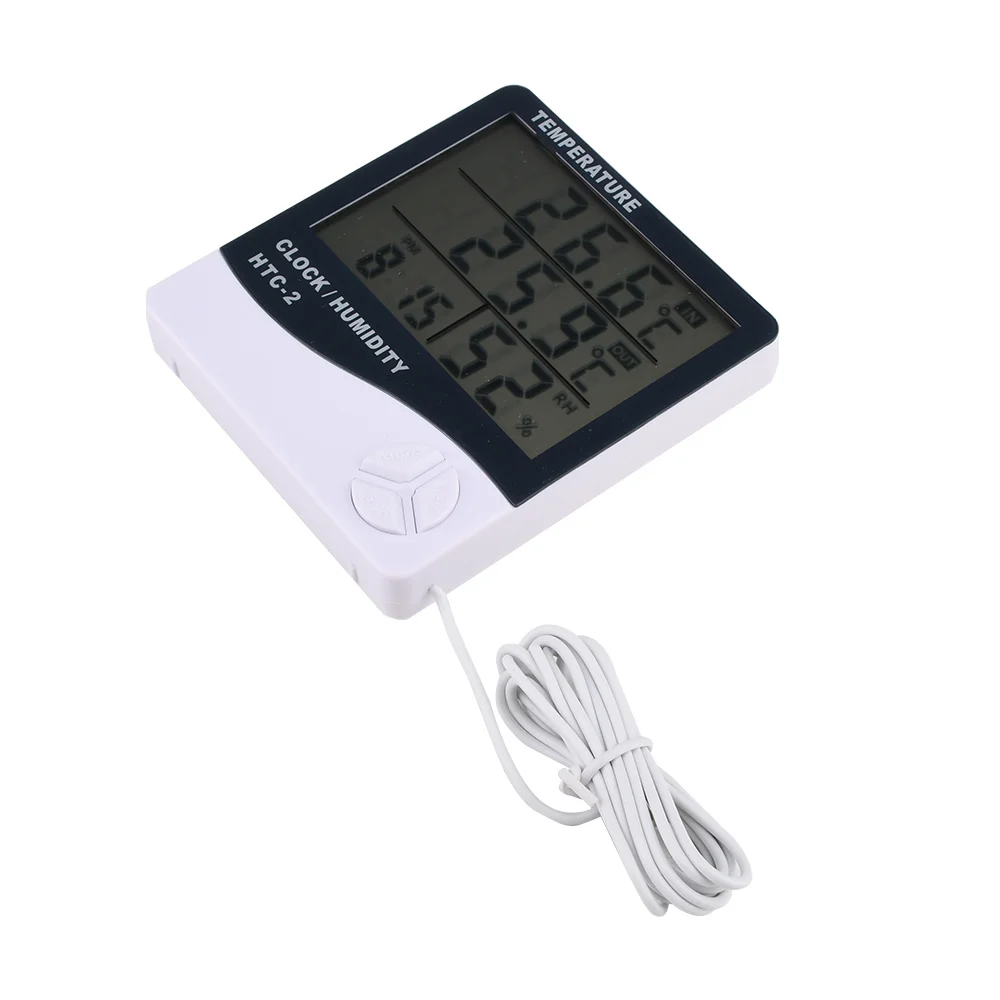
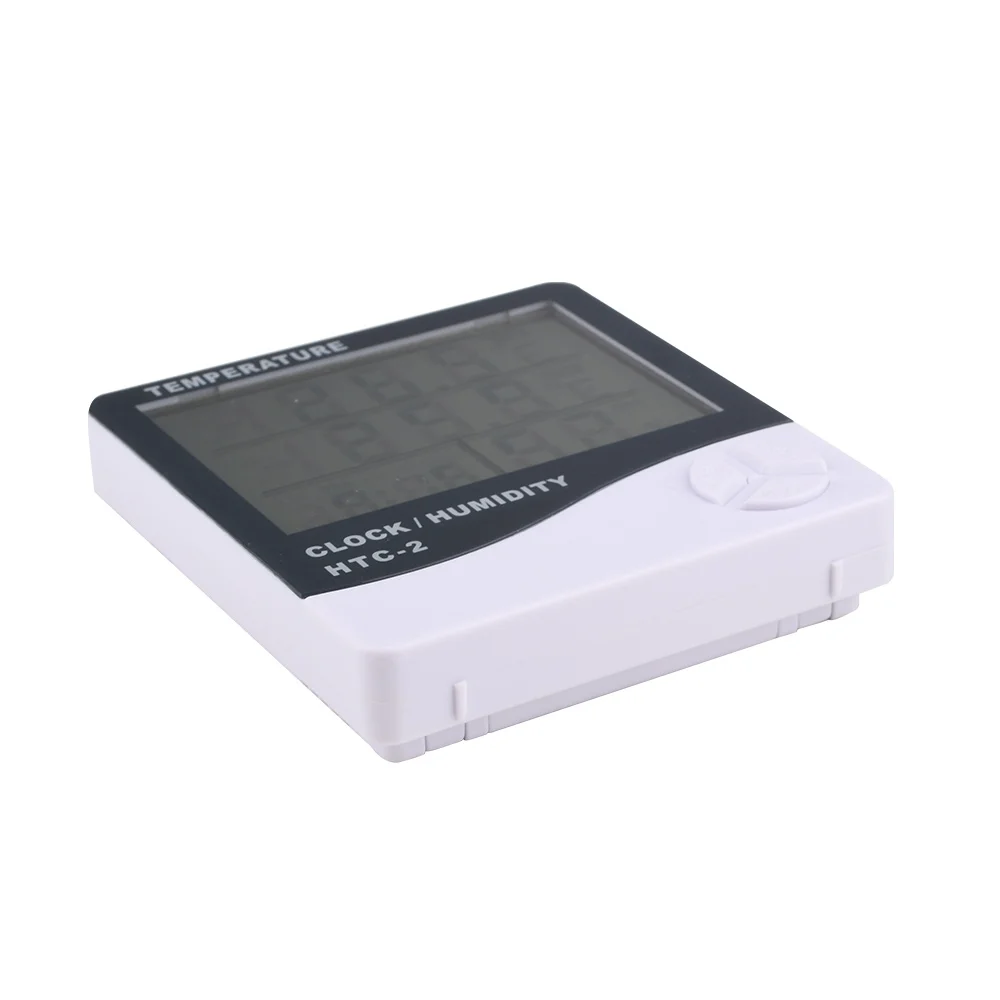
1. Intimate tilt angle design, more convenient to see the time and temperature
2. HTC-2 adopts high-quality thermistor and humidity resistance, long life and stable quality
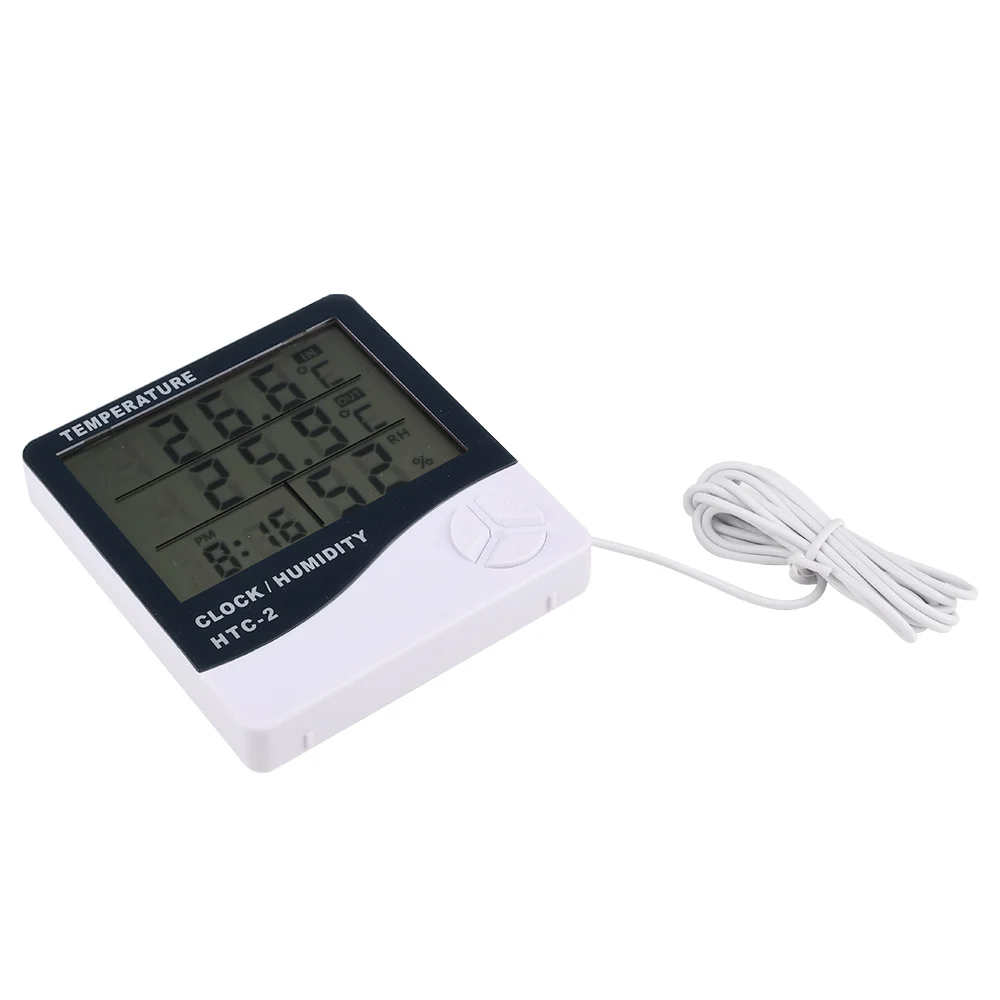
3. Place the probe outside the window to detect the outdoor temperature (and memorize the highest/lowest temperature in history)
4. Folding bracket, can be placed on the desktop, can be hung on the wall, no matter where it is, it is a beautiful landscape
5. Adopt high-quality display screen, black characters on a shallow bottom, the screen is clear 360 degrees without visual dead ends
6. The screen is attached with a protective film when leaving the factory, so as not to cause wear on the screen during transportation, just remove it when using
Specifications:
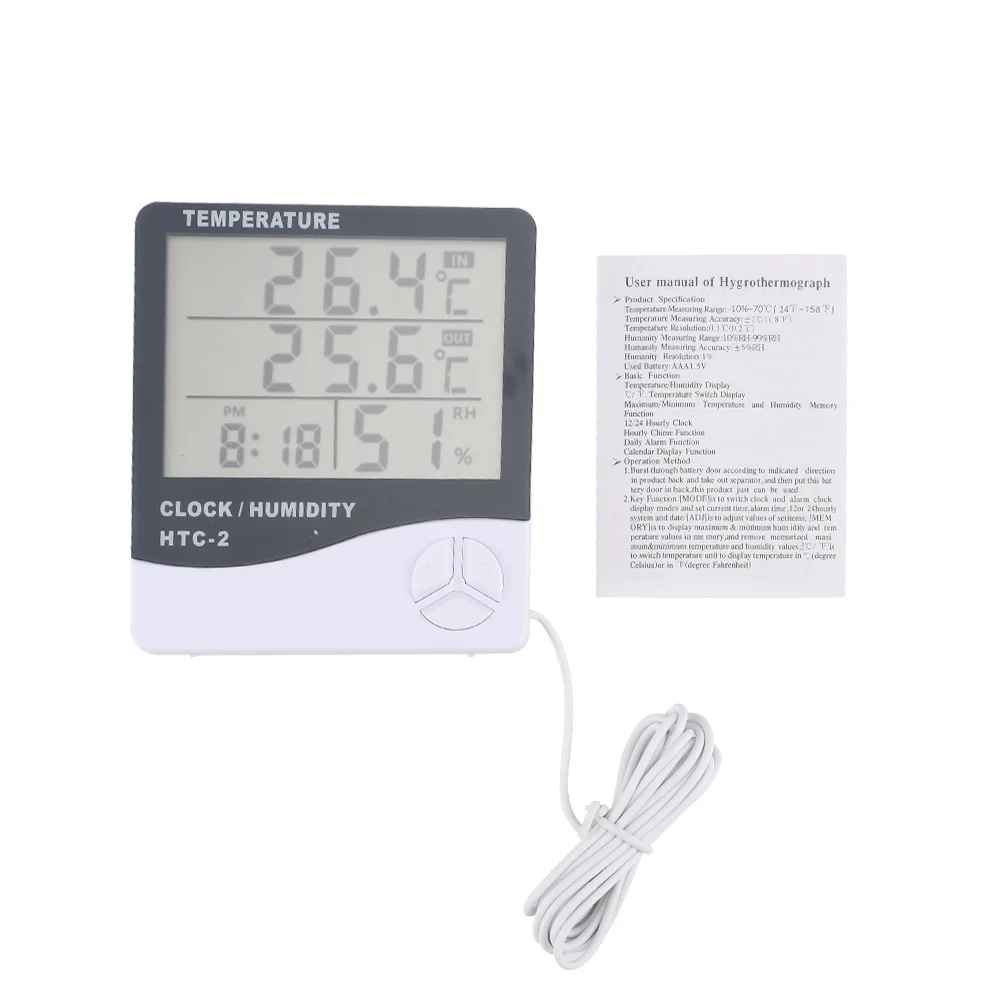
Temperature measurement range: -20°C~60°C
Humidity measuring range: 10%~99%RH
Temperature measurement accuracy: ±2℃
Humidity measurement accuracy: ±20%RH
Use battery: 1 AA battery
Function 1: temperature/humidity display
Function 2: C/°F temperature switch display
Function 3: Maximum/minimum temperature and humidity memory function
Function 4: 12/24 hour clock
Function 5: Hourly reminder function
Function 6: Daily alarm function
Function 7: Calendar function
Operation Method:
1. Push open the battery door in the direction indicated by the back of the machine, install the battery, and then replace the battery door, the machine is ready to use.
2. Key functions: (MODE) switch clock and alarm display modes/set current time, alarm clock, 12 or 24-hour format, date (ADJ) adjust the value of the set item; (MEMORY) display the highest/lowest temperature in memory Humidity value / Clear the highest/lowest temperature humidity value from memory; (C/oF) switch the temperature unit to display in °C (Celsius) or oF (Fahrenheit).
3. Press and hold (MODE) for 1 second in the initial state, the minutes of the current time start to flash, press (ADJ) to adjust the minutes, press (MODE) continuously to set "clock", "12/24" respectively , "Month (M)", "Day (D)"
4. In the current clock mode, (the two o'clock between the clock and the minute flashes once per second), short press the home button to switch the display to the alarm mode (the two o'clock between the clock and the minute do not flash), at this time Press (ADJ) to switch the “Alarm” function/“Hourly hour reminder” function on and off, and then press and hold (MODE) for 2 seconds to set the alarm time and activate the “v Hourly hour reminder” function at the same time , the ( ) symbol appears.
5. In the alarm clock mode, if there is no operation, it will automatically return to the current clock after one minute. At this time, press (ADJ) once to switch to the calendar display, and automatically return to the current clock after 3 seconds.
6. Press (MEMORY) to display the maximum value (MAX) and minimum value (MIN) of the memory temperature/humidity. Press and hold (MEMORY) for more than 2 seconds to clear the memory maximum/minimum value.
Precautions:
If there is any problem with the machine, please remove the battery and reinstall it.